Where Automation Saves the Most Time
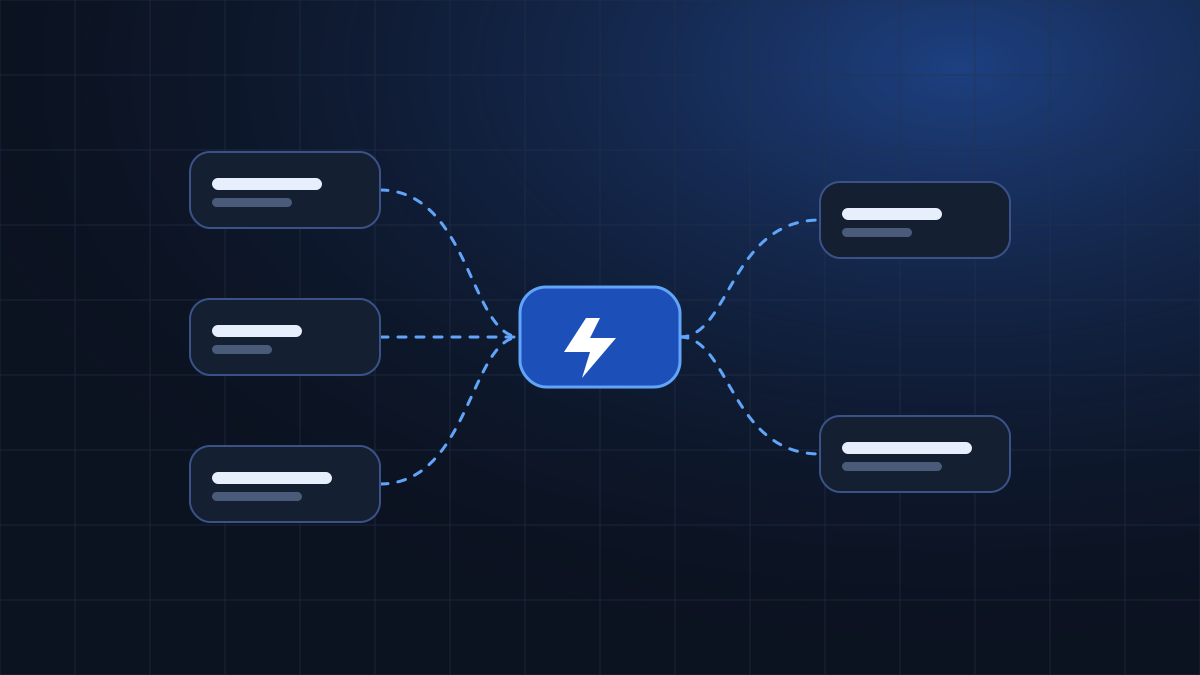
Ask any business owner where the day goes and you will hear similar answers: copying information between tools, sending the same messages again and again, chasing follow-ups and answering the same questions. None of this is difficult work, but it adds up. Automation exists to take over exactly this kind of work.
This article explains where automation tends to save the most time, how to choose what to automate, and how to start without disrupting your business.
What business process automation means
Business process automation means using software to carry out repeatable steps that a person would otherwise do by hand. A rule triggers an action: when a form is submitted, the details are saved and a notification is sent. When an invoice is created, a reminder is scheduled.
Automation does not replace judgement. It handles the predictable parts of a process so that people can concentrate on the parts that need thought, such as talking to customers and making decisions.
How to identify repetitive tasks
Start by looking at your week. Which tasks do you or your team repeat in the same way, every time? A task is often a good candidate if it:
- Follows clear rules with few exceptions
- Happens regularly, daily or weekly
- Involves moving information from one place to another
- Is easy to forget or easy to get wrong when done by hand
- Does not require personal judgement
Write the tasks down, estimate how long each one takes, and note who does it. This simple list is the foundation of any automation plan.
Lead management
When a potential customer sends an enquiry, speed and organisation matter. Without automation, messages arrive in different inboxes and some wait too long.
A practical example
A visitor fills in your website form. An automated workflow records the details in a spreadsheet or customer management tool, sends the visitor a short acknowledgement, and notifies the right person on your team. Nothing is copied by hand and every enquiry is recorded in the same place.
Customer communication
Many customer questions are repeated: opening hours, how to book, what a service includes. Automated replies and AI chatbots can handle common questions at any time of day and pass more complex requests to a person.
A chatbot should make it easier to reach your team, not harder.
Always give customers a clear way to speak to a person, and review the answers the chatbot gives so they stay accurate.
Data synchronisation
Businesses often keep the same information in several tools: a customer list, an accounting tool, an email platform. Updating each one manually leads to mistakes and out-of-date records. Integrations can synchronise changes automatically, so that updating a contact in one place updates it everywhere that matters.
Notifications and follow-ups
Follow-ups are important and easy to forget. Automation can remind you when a quote has not received a reply, send a confirmation before an appointment, or alert your team when something needs attention. These small prompts keep processes moving without anyone having to remember them.
AI-powered workflows
AI can add useful steps to a workflow. It can summarise a long message, suggest a draft reply, sort enquiries by topic or extract key details from text. Used carefully, these steps save time on reading and sorting.
AI works best as an assistant inside a process with a person reviewing important outputs. It can make mistakes, so avoid using it alone for decisions that affect customers, money or legal matters.
n8n and workflow integrations
Workflow automation platforms connect the tools you already use. n8n is one such platform: it lets you build workflows visually by linking a trigger, such as a new form submission, to a series of actions across different apps. Because it connects many services, it is suitable for custom workflows that off-the-shelf tools do not cover.
The platform matters less than the design of the workflow. A clear, well-tested process on any reliable platform is better than a complicated one on a fashionable tool.
Choosing the right automation opportunities
Not everything should be automated. Compare each candidate task using a few simple questions:
- How often does the task happen?
- How long does it take each time?
- How clear are the rules?
- What happens if the automation makes a mistake?
- Which tools are involved, and can they be connected?
Start with tasks that are frequent, rule-based and low risk. Leave sensitive or highly personal tasks with your team.
Common automation mistakes
- Automating a broken process instead of fixing it first
- Trying to automate everything at once
- Not testing with real scenarios
- Giving no way for customers to reach a person
- Forgetting to monitor and maintain workflows
- Connecting tools without thinking about the data involved
How businesses can start
- List your repetitive tasks and estimate the time they take.
- Choose one process that is frequent, clear and low risk.
- Map each step as it happens today.
- Decide which steps can be automated and which need a person.
- Build a small first version and test it carefully.
- Review how it works after a few weeks and improve it.
- Move on to the next process when the first one is reliable.
Keeping people in control
The most successful automations are the ones that people understand. Document each workflow in plain language: what triggers it, what it does and who to contact if something looks wrong. Decide in advance which steps always need a human decision, and build the workflow so that exceptions are passed to a person instead of being guessed. Check results regularly, especially in the first weeks, and keep a simple log of changes.
Think about data as well. Each connection between tools moves information, so connect only what is needed and review who has access. Automation should make your business more reliable, not create new risks.
A realistic example: handling new enquiries
Imagine a small business that receives enquiries through a website form, email and social media messages. Without automation, someone checks each channel, copies the details into a spreadsheet and sends a reply, which can take part of every day. With a simple workflow, enquiries from the form are saved automatically, a confirmation is sent, and the team receives one notification with the details. Social and email messages can be added step by step. The team still writes the personal replies, but the sorting, recording and reminding are handled for them.
Conclusion
Automation saves the most time where work is repetitive, predictable and spread across several tools: lead handling, customer replies, data updates and follow-ups. Start small, keep people in control and improve step by step.
If you would like to explore what could work in your business, see our AI & Automation service or contact ASDEVIGN to discuss your workflow.
← Back to the blog